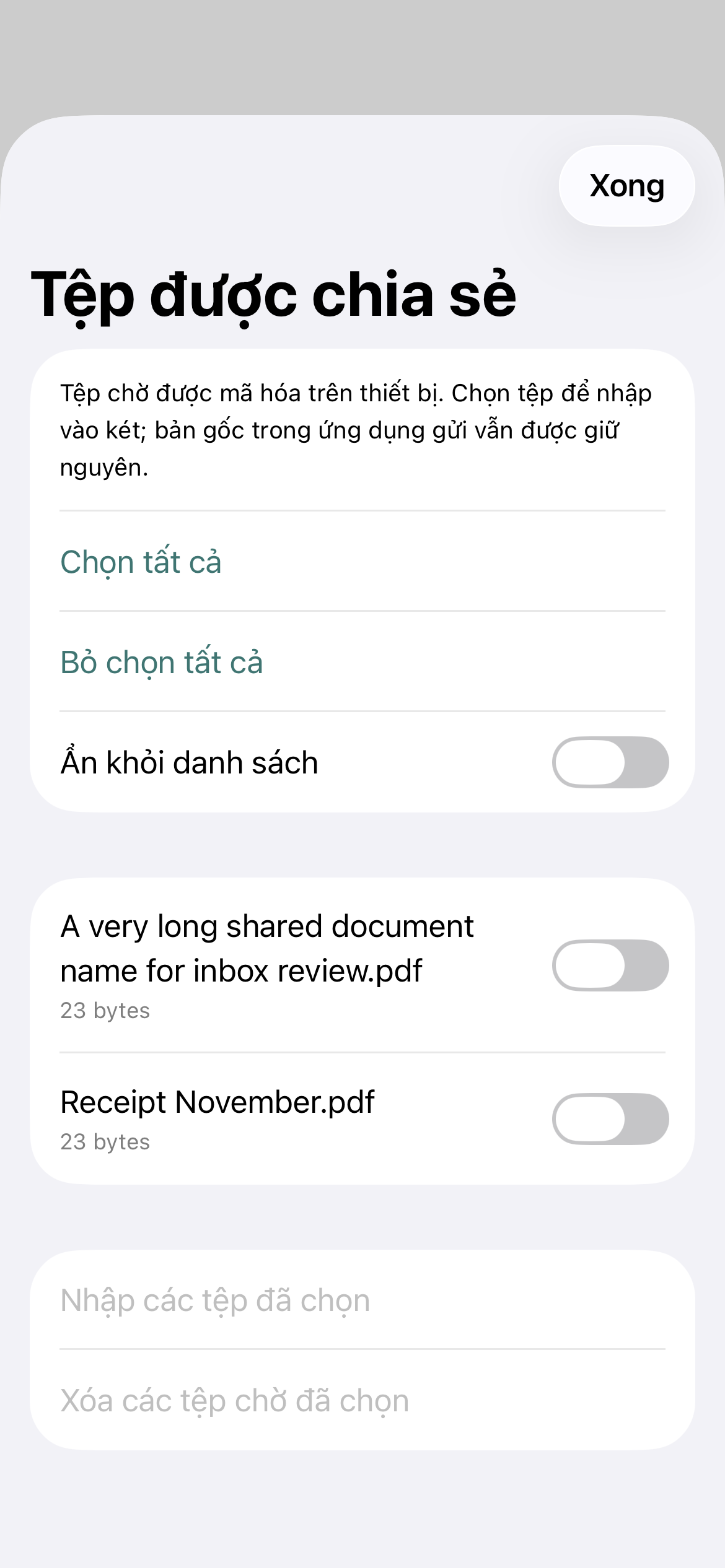
Choose what to add
Import selected items from Photos, Files or the iOS Share sheet.
An encrypted vault for iPhone and iPad
Keep photos, videos and documents in an encrypted vault on your device. Import from Photos, Files or the Share sheet, then choose when and where to back up.
Free for up to 50 files. Pro is a one-time purchase.
File contents and names are encrypted on device.
Backups go to a folder you choose.
No PRIVA account is required.
A simple file workflow
PRIVA encrypts selected files in its vault. You decide which files to import and where an encrypted backup should go.
Import selected items from Photos, Files or the iOS Share sheet.
PRIVA encrypts file contents and names in the vault on your device.
Write an encrypted backup to a folder you select in Files. The provider handles any remote upload.
Made for personal files
The core privacy tools are included in Free. Pro changes the file-count limit.
PRIVA uses AES-GCM encryption for vault files and file-name metadata.
Some direct imports can remove the original after the encrypted copy succeeds. Photos asks before deletion and keeps items in Recently Deleted. The Share extension leaves the source unchanged.
Backup runs while PRIVA is open and unlocked. A completed folder write does not confirm that a cloud or NAS upload has finished.
Restoring a vault requires its encrypted backup and recovery phrase. Keep them in separate places.
Hidden items use the same vault protection. Deleted items stay in Trash for 30 days before permanent deletion.
Straightforward plans
Encryption, biometrics, backup, recovery and export are available in both plans.
Included
A private vault for up to 50 files, including hidden and trashed items.
Free to download
One-time purchase
Remove the file-count limit, subject to available device storage.
Price shown in the App Store
Apple processes purchases. Your local App Store price may vary.
Privacy, in plain language
PRIVA has no server for vault contents. When you create a backup, you choose its folder and storage provider. Apple processes purchases.
Questions people ask
PRIVA has no server for vault contents. Vault files and names are encrypted on your device. Apple and any provider you choose for backups handle their own services under their policies.
Restore from an encrypted backup with your 12-word recovery phrase. Without the phrase, the developer cannot recover the vault for you.
Pro is a one-time, non-consumable purchase that removes the file-count limit. Apple processes the purchase and provides purchase restoration.
PRIVA writes the encrypted backup to the folder you select. That write does not confirm that the provider has completed a remote upload.